 The Distilled
Three plans. Start free.
Every plan gets the same chart language and the same honest numbers. Paid plans add the invite-only indicators and private Discord channels. Core and Pro are billed monthly or yearly through Whop and renew automatically until you cancel. Cancel any time from your Whop account and you keep access to the end of the period you've paid for. Before a yearly plan renews, you get a reminder.
Monthly Core and Pro start with a 3-day free trial: cancel before it ends and you pay nothing. One trial per person.
First paid purchase: request cancellation within 14 days for a full refund, even after using the tools. Refund policy.
Free
- 10+ free Distilled indicators on TradingView
- Every free guide, the 15-lesson course and the Shorts
- The Distilled Discord: chat, daily bias, chart polls, trade analysis
- Indicator how-to guides and support
- Personal Journal and the basic Today view in Desk
Core
About $24.92 a month, $60.88 less than 12 monthly payments.
- Everything in Free
- The Distilled Indicator: the full model
- The Distilled Ladder and The Distilled V-Shape
- The Distilled C3 Continuation (coming soon)
- ⚡live-setups: model setups on the Nasdaq-100 posted as they confirm, each with its result, plus the day's win rate across every setup the model printed
- Private Discord chat, V-shape reversals and trade reviews
Pro
About $58.25 a month, $140.88 less than 12 monthly payments.
- Everything in Core
- Order Flow + Reversal Continuation Sequence (the RCS indicator)
- The Distilled CISD indicator (coming soon)
- The Distilled Desk: Terminal, Time Ranges and Candle Gaps (beta)
- Every new invite-only indicator as it's released
- The Vault and RCS breakdowns
| Free | Core | Pro | |
|---|---|---|---|
| Free indicators (10) | ✓ | ✓ | ✓ |
| The Distilled Indicator · Ladder · V-Shape | – | ✓ | ✓ |
| The Distilled C3 Continuation (coming soon) | – | ✓ | ✓ |
| Order Flow + RCS | – | – | ✓ |
| The Distilled CISD indicator (coming soon) | – | – | ✓ |
| New invite-only indicators | – | – | ✓ |
| Free guides, course and Shorts | ✓ | ✓ | ✓ |
| The Vault (Pro guides, research notes) | – | – | ✓ |
| Discord community and support | ✓ | ✓ | ✓ |
| ⚡live-setups with the day's win rate | – | ✓ | ✓ |
| Private Discord chat, V-shape reversals, trade reviews | – | ✓ | ✓ |
| RCS breakdowns | – | – | ✓ |
| Personal Journal and basic Today view | ✓ | ✓ | ✓ |
| Desk Terminal, Time Ranges and Candle Gaps (beta) | – | – | ✓ |
Desk is in beta. Hosted Today data and published overlays can be delayed; check the displayed timestamps. Candle Gaps currently provides formation illustrations, not a validated statistical study. Suggestions and Profiler are coming soon.
Prices in USD. Depending on where you live, Whop may add VAT or sales tax, and shows the full total at checkout before you pay. New indicators are added to Pro as they are released.
What you need: a TradingView account, because the indicators run only on TradingView, and a Discord account for the channels. What you get is education and charting tools, not financial advice. Trading futures and CFDs is high risk and most retail traders lose money. See Terms, Refunds and cancellation and Risk and legal.
Choose the tools you need.
The Distilled Desk
A charting dashboard with periodically published session context, CISD, order flow, RCS and iFVG readings, weekly context and liquidity levels. Today also records model setups and simulated outcomes, including losses. These are not executed trades or verified trading returns. Updates depend on source availability and processing; check each view's timestamps.
- Sign in with your Whop account
- Built on Hyperliquid XYZ100 and GOLD data
- Works on your phone
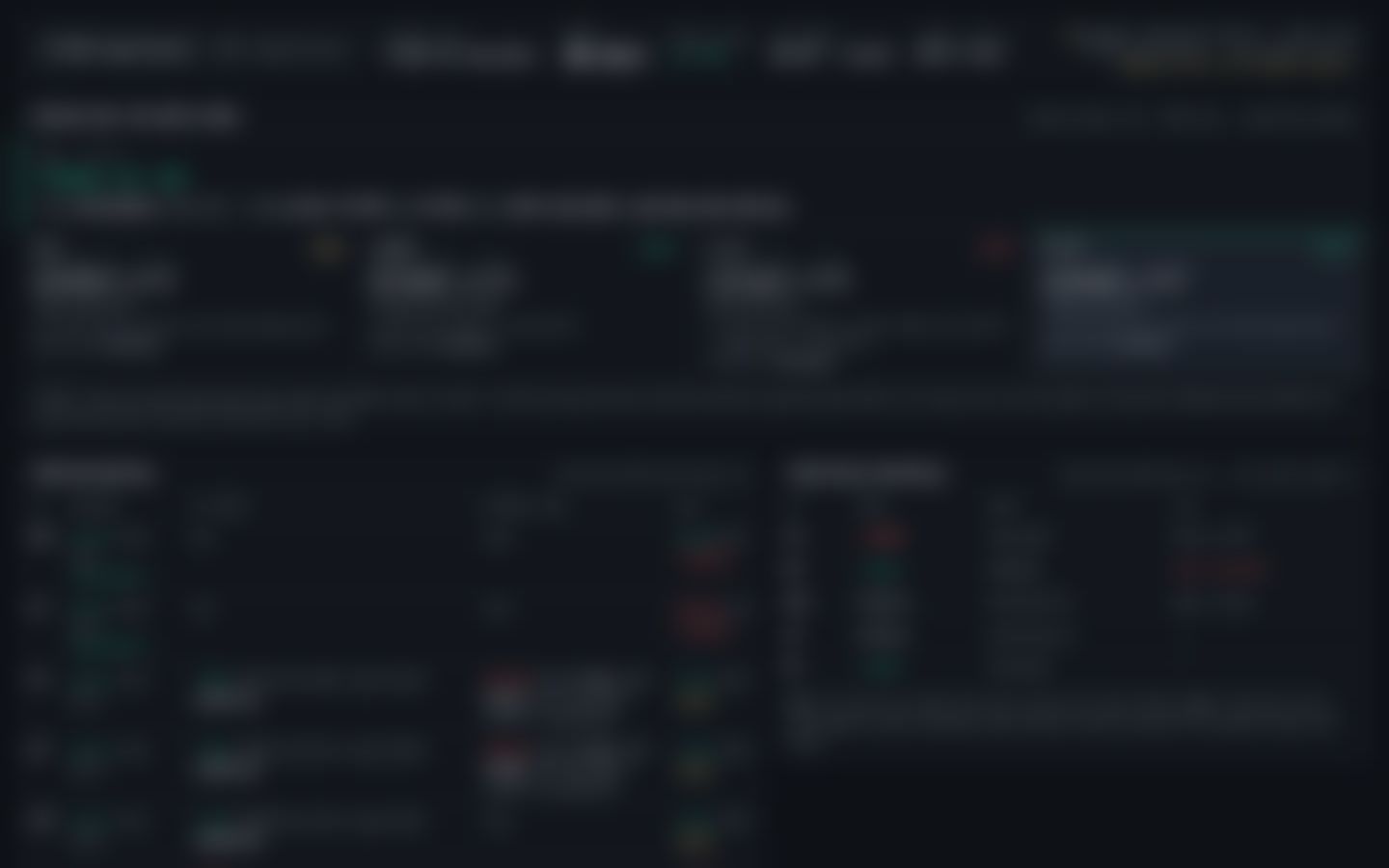
The real Desk, blurred without Pro access. Built on XYZ100 and GOLD (Hyperliquid) data. Education only, not financial advice.
 Core and Pro
 Core and Pro
 Core and Pro
 Core and Pro
 Core and Pro

 Core and Pro
 Core and Pro
 Core and Pro
 Pro
 Pro

 Pro
 Pro
 Pro

 Pro
 Pro
 Pro
Want to click around first? Try the sample Desk: the new layout with clearly labelled sample numbers, no live calls.
Pick a plan on Whop. Free needs no card.
Enter your TradingView username in Whop.
The indicators appear under Invite-only scripts in your indicators menu.
Open the private Discord channels for setups, reviews and questions.